Digimaster Academy Logo
Play Store App Store
ELITE MASTERCLASS

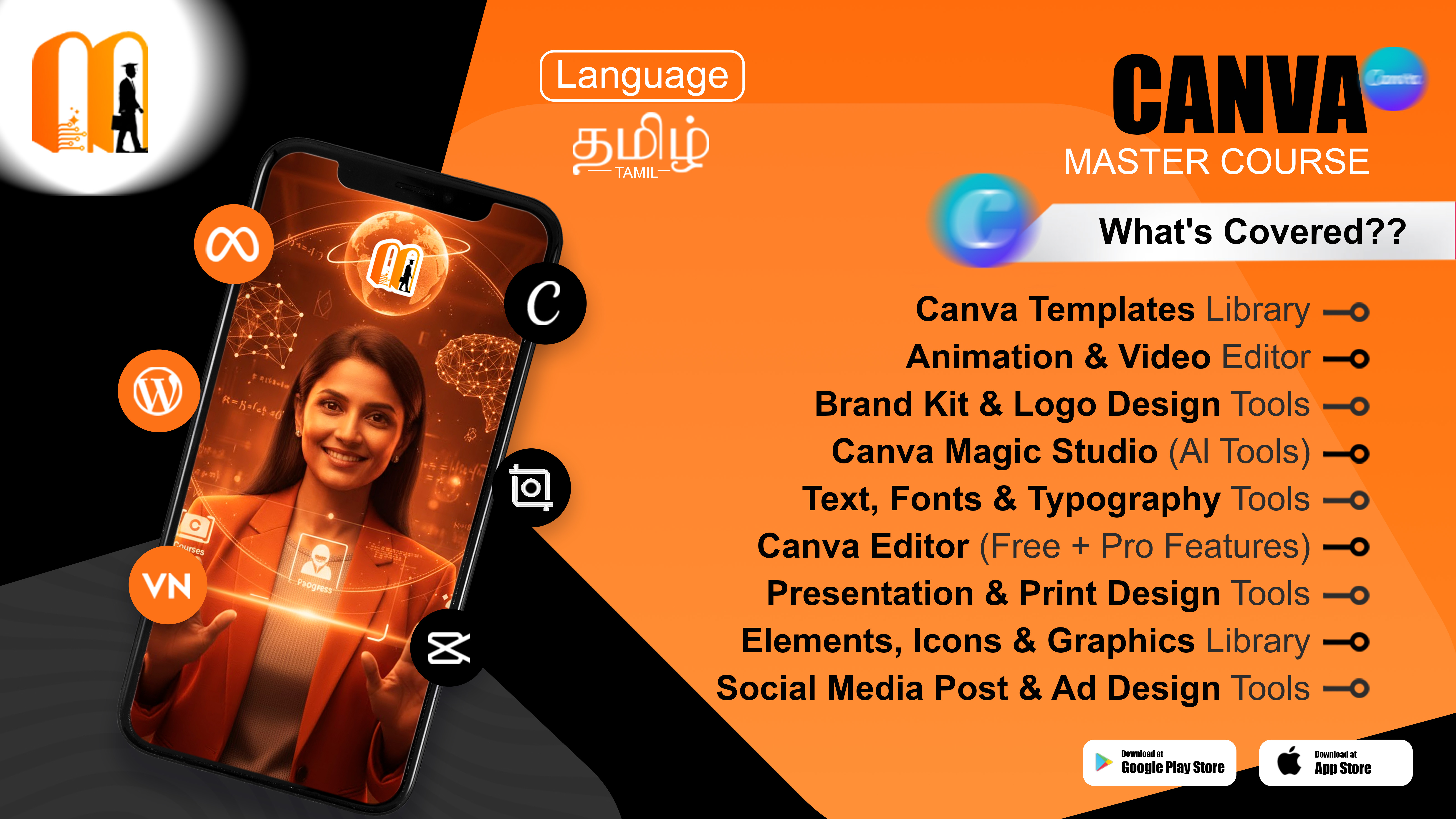
Canva Mastry Course

Unlock Your Creative Power with Canva
100% Placement & Internship Assistance Included
₹7,777 ₹777 90.01% OFF
Enquire Now
Canva Mastry Course
Curriculum Highlights

What You Will
Learn

Master the complete ecosystem, from fundamental strategies to advanced industry frameworks with hands-on practice.

Explore All Subjects

Flexible Online Learning

Access HD recorded lectures, live interactive doubt sessions, and learn at your own pace anytime, anywhere.

Digimaster LMS App Access

Full mobile app access for video streaming, quizzes, progress tracking, and instant technical doubt support.

Real-World Online Projects

Build industry-ready digital projects, submit interactive assignments, and build a high-impact online portfolio.

Digital Certification & Support

Verifiable digital course completion certificate, remote internship opportunities, and dedicated placement assistance.

Course Overview

Canva Mastery Course
Learn to create stunning designs with ease!

✔️ Canva basics & design principles
✔️ Social media posts, flyers & marketing materials
✔️ Fonts, colors & layout techniques
✔️ Photo & video editing tools
✔️ Branding and professional templates

Become a creative designer and craft eye-catching visuals with confidence!

Structured Path

Course Roadmap

Comprehensive breakdown of subjects covered in this program

Module 1: SESSION - 5: Lesson 10. HOW TO SCHEDULE AND PUBLISH POSTS FROM CANVA
MODULE 1
Module 2: SESSION - 5: Lesson 9. HOW TO CONNECT YOUR SOCIAL MEDIA ACCOUNTS
MODULE 2
Module 3: SESSION - 5: Lesson 8. Part - 2. HOW TO DESIGN A YOUTUBE THUMBNAIL
MODULE 3
Module 4: SESSION - 5: Lesson 8. Part - 1. HOW TO DESIGN A YOUTUBE THUMBNAIL
MODULE 4
Module 5: SESSION - 5: Lesson 7. HOW TO DESIGN A FACEBOOK STORY
MODULE 5
Module 6: SESSION - 5: Lesson 6. Part - 2. HOW TO DESIGN A FACEBOOK POST
MODULE 6
Module 7: SESSION - 5: Lesson 6. Part - 1. HOW TO DESIGN A FACEBOOK POST
MODULE 7
Module 8: SESSION - 5: Lesson 5. HOW TO DESIGN CAROUSEL POST
MODULE 8
Module 9: SESSION - 5: Lesson 4. Part - 2. HOW TO DESIGN AN INSTAGRAM STORY
MODULE 9
Module 10: SESSION - 5: Lesson 4. Part - 1. HOW TO DESIGN AN INSTAGRAM STORY
MODULE 10
Module 11: SESSION - 5: Lesson 3. Part - 2. HOW TO DESIGN AN INSTAGRAM POST
MODULE 11
Module 12: SESSION - 5: Lesson 3. Part - 1. HOW TO DESIGN AN INSTAGRAM POST
MODULE 12
Module 13: SESSION - 5: Lesson 2. Part - 1. DESIGNING COVER IMAGES
MODULE 13
Module 14: SESSION - 5: Lesson 2. Part - 1. DESIGN COVER IMAGE
MODULE 14
Module 15: SESSION - 5: Lesson 1. DESIGNING PROFILE PICTURES FOR ALL PLATFORMS
MODULE 15
Module 16: SESSION - 4: Lesson 9. HOW TO APPLY YOUR BRAND KIT IT DESIGNS
MODULE 16
Module 17: SESSION - 4: Lesson 8. STEP-BY-STEP BUILD YOUR BRAND KIT
MODULE 17
Module 18: SESSION - 4: Lesson 7. Part - 2. HOW TO ORGANIZE YOUR BRAND IN ONE BOARD
MODULE 18
Module 19: SESSION - 4: Lesson 7. Part - 1. HOW TO ORGANIZE YOUR BRAND IN ONE BOARD
MODULE 19
Module 20: SESSION - 4: Lesson 6. HOW TO DISCOVER YOUR BRAND VOICE
MODULE 20
Module 21: SESSION - 4: Lesson 5. Part - 2. HOW TO FIND YOUR BRAND'S IMAGINARY STYLE
MODULE 21
Module 22: SESSION - 4: Lesson 5. Part - 1. HOW TO FIND YOUR BRAND'S IMAGINARY STYLE - DM
MODULE 22
Module 23: SESSION - 4: Lesson 4. Create Logo Variations & Download Your Files
MODULE 23
Module 24: SESSION - 4: Lesson 3. How To Choose Fonts That Fit Your Design
MODULE 24
Module 25: SESSION - 4: Lesson 2. How To Choose The Right Colour Palette
MODULE 25
Module 26: SESSION - 4: Lesson 1. Part - 2. How To Design Your Logo In Canva
MODULE 26
Module 27: SESSION - 4: Lesson 1. Part - 1. How To Design Your Logo In Canva
MODULE 27
Module 28: SESSION - 3- Lesson 4. Bringing It All Together (Identity)
MODULE 28
Module 29: SESSION - 3- Lesson 3. The Face of Your Brand (Kit)
MODULE 29
Module 30: SESSION - 3- Lesson 2. The Brain Behind Your Brand (Strategy)
MODULE 30
Module 31: SESSION - 3- Lesson 1. Brand vs Branding What's the Difference
MODULE 31
Module 32: SESSION - 2- Lesson 2. Part - 5. Exploring All Template Customization Features
MODULE 32
Module 33: SESSION - 2- Lesson 2. Part - 4. Exploring All Template Customization Features
MODULE 33
Module 34: SESSION - 2- Lesson 2. Part - 3. Exploring All Template Customization Features
MODULE 34
Module 35: SESSION - 2- Lesson 2. Part - 1. Exploring All Template Customization Features
MODULE 35
Module 36: SESSION - 2 - Lesson 1. Inside the Canva Editor
MODULE 36
Module 37: SESSION - 1 - Lesson 5. Getting Started with Your Canva Profile
MODULE 37
Module 38: SESSION - 1 - Lesson 4. Canva Dashboard Walkthrough
MODULE 38
Module 39: SESSION - 1 - Lesson 3. Introduction to Canva and Initial Setup
MODULE 39
Module 40: SESSION - 1 - Lesson 2. Spotting Good and Bad Designs
MODULE 40
Module 41: SESSION - 1 - Lesson 1. Why Design Matters and Why You Must Get Better at it
MODULE 41
Module 42: SESSION - 2- Lesson 2. Part - 2. Exploring All Template Customization Features
MODULE 42
Module 43: SESSION - 2 - Lesson 11. DOWNLOAD OPTIONS IN CANVA EXPLAINED - DM
MODULE 43
Module 44: SESSION - 2 - Lesson 10. HOW TO USE CANVA POSITION TOOL FOR CLEAN LAYOUTS - DM
MODULE 44
Module 45: SESSION - 2 - Lesson 9. Part - 3. HOW TO APPLY COLORS IN CANVA - DM
MODULE 45
Module 46: SESSION - 2 - Lesson 9. Part - 2. HOW TO APPLY COLORS IN CANVA - DM
MODULE 46
Module 47: SESSION - 2 - Lesson 9. Part - 1. HOW TO APPLY COLORS IN CANVA - DM
MODULE 47
Module 48: SESSION - 2 - Lesson 8. Part - 4. CANVA PHOTO UPLOAD AND EDITING TOOLS - DM
MODULE 48
Module 49: SESSION - 2 - Lesson 8. Part - 3. CANVA PHOTO UPLOAD AND EDITING TOOLS - DM
MODULE 49
Module 50: SESSION - 2 - Lesson 8. Part - 2. CANVA PHOTO UPLOAD AND EDITING TOOLS - DM
MODULE 50
Module 51: SESSION - 2 - Lesson 8. Part - 1. CANVA PHOTO UPLOAD AND EDITING TOOLS - DM
MODULE 51
Module 52: SESSION - 2 - Lesson 7. Part - 3. COMPLETE GUIDE TO CANVA'S PHOTO AND GRAPHICS LIBRARY - DM
MODULE 52
Module 53: SESSION - 2 - Lesson 7. Part - 2. COMPLETE GUIDE TO CANVA'S PHOTO AND GRAPHICS LIBRARY - DM
MODULE 53
Module 54: SESSION - 2 - Lesson 7. Part - 1. COMPLETE GUIDE TO CANVA'S PHOTO AND GRAPHICS LIBRARY - DM
MODULE 54
Module 55: SESSION - 2 - Lesson 6. Part - 2. UNLOCKING CANVA'S SEARCH AND MAGIC MEDIA TOOLS - DM
MODULE 55
Module 56: SESSION - 2 - Lesson 6. Part - 1. UNLOCKING CANVA'S SEARCH AND MAGIC MEDIA TOOLS - DM
MODULE 56
Module 57: SESSION - 2 - Lesson 5 . EXPLORING CANVA'S AI TOOL AND THEIR EVOLUTION - DM
MODULE 57
Module 58: SESSION - 2 - Lesson 4. Part - 4. CANVA'S TEXT AND FONT LIBRARY - DM
MODULE 58
Module 59: SESSION - 2 - Lesson 4. Part - 3. CANVA'S TEXT AND FONT LIBRARY - DM
MODULE 59
Module 60: SESSION - 2 - Lesson 4. Part - 2. CANVA'S TEXT AND FONT LIBRARY - DM
MODULE 60
Module 61: SESSION - 2 - Lesson 4. Part - 1. CANVA'S TEXT AND FONT LIBRARY - DM
MODULE 61
Module 62: SESSION - 2 - Lesson 3. Part - 5 COMPLETE GUIDE TO CANVA'S ELEMENTS LIBRARY - DM
MODULE 62
Module 63: SESSION - 2 - Lesson 3. Part - 4 COMPLETE GUIDE TO CANVA'S ELEMENTS LIBRARY - DM
MODULE 63
Module 64: SESSION - 2 - Lesson 3. Part - 3 COMPLETE GUIDE TO CANVA'S ELEMENTS LIBRARY - DM
MODULE 64
Module 65: SESSION - 2 - Lesson 3. Part - 2 COMPLETE GUIDE TO CANVA'S ELEMENTS LIBRARY - DM
MODULE 65
Module 66: SESSION - 2 - Lesson 3. Part - 1 COMPLETE GUIDE TO CANVA'S ELEMENTS LIBRARY - DM
MODULE 66
Module 67: SESSION - 6: Lesson 3. HOW TO ADD A SPOTLIGHT EFFECT USING CANVA - DM
MODULE 67
Module 68: SESSION - 6: Lesson 2. HOW TO ADD AN OUTLINE EFFECT USING CANVA- DM
MODULE 68
Module 69: SESSION - 6: Lesson 1. HOW TO REMOVE BACKROUND USING CANVA FREE VERSIOON - DM
MODULE 69
INDUSTRY STANDARD

Tools & Technologies Covered

ChatGPT ChatGPT
Gemini Gemini
Claude Claude
Midjourney Midjourney
Canva AI Canva AI
Zapier Zapier

Why Master Canva Mastry Course?

Unlock unlimited growth potential in the modern digital era.

High Demand Skills

Fast-growing industry sector with expanding job openings and high freelancing opportunities globally.

Work Anywhere

Enjoy the flexibility of working remotely as an independent professional or for top global agencies.

Scale Any Business

Learn exact frameworks to optimize efficiency, drive growth, and 10x output speed for any business.

Career Roadmap

Your Path To Career Success

Step-by-step practical learning flow designed to transform beginners into industry-ready professionals.

1. Learning

Learn from the best mentors with industry aligned curriculum

2. Project

Apply what you've learned to live projects to master your skills

3. Certificate

Enhance your profile by earning ISO Certified Credentials

4. Internship

Gain real-world experience through guaranteed internship support

5. Career Assist

Dedicated placement support to land in your dream career

Built for Global Standards

We provide more than just certificates. We provide the technical mindset and toolsets to thrive in top-tier MNC environments.

AI-Agent Curriculum

Every track is integrated with proprietary AI-workflows and modern tools to ensure 10x output speed.

Placement Engineering

Our placement cell engineers your career path through high-stakes mock interviews, resume architecture, and direct pipelines.

MNC Veteran Mentors

Learn directly from senior experts who have built systems for global firms. Real-world insights, zero fluff.

Learn Anywhere with Digimaster App

Access your entire course library, track your development progress, and get instant doubt-support anytime with our dedicated mobile app.
  • High-quality recorded & live lectures
  • Interactive quizzes and industry assessments
  • 24/7 technical student support and community
  • Instant certification upon completion
LMS App Illustration